
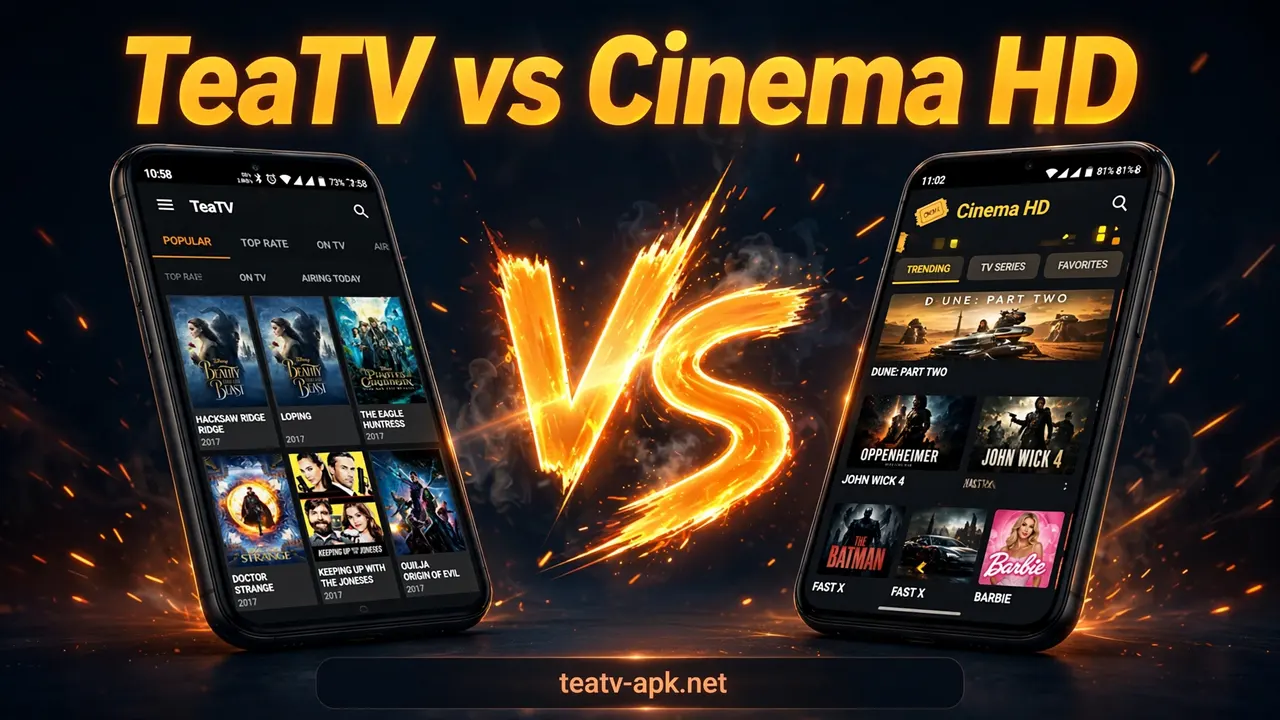
TeaTV vs Cinema HD: Which Streaming App Is Better?

TeaTV and Cinema HD are the two most popular free streaming apps for Android and Firestick, and both let you watch movies and TV shows without a subscription. Short answer: neither is clearly “better” — they win on different things. TeaTV is simpler to use, starts up fast, and feels more beginner-friendly, while Cinema HD usually offers a larger, more frequently updated content library with more detailed browsing options. Both are free, both support HD playback, subtitles and Real-Debrid, and both must be sideloaded because neither is on the Google Play Store. If you want the easiest experience, start with TeaTV; if you want the widest catalog and deeper customization, try Cinema HD. Many people simply install both and keep the one that runs better on their device.
This guide compares TeaTV vs Cinema HD feature by feature — content library, interface, streaming quality, downloads, subtitles, ads, device support, updates, safety and legality — so you can decide which streaming app fits the way you watch.
Table of Contents
Quick Comparison Table: TeaTV vs Cinema HD
| Feature | TeaTV | Cinema HD |
|---|---|---|
| Price | Free (no subscription) | Free (no subscription) |
| Content | Movies & TV shows, broad library | Movies & TV shows, often a larger and frequently refreshed library |
| Streaming quality | SD to Full HD, some 4K sources | SD to Full HD, some 4K sources |
| Offline downloads | Yes — movies and episodes can be saved on-device | Yes — download support is widely reported by streaming blogs |
| Subtitles | Multi-language subtitle support built in | Subtitle support, with adjustable options |
| External players | Supports external players such as MX Player and VLC | Supports external players such as MX Player and VLC |
| Real-Debrid & Trakt | Supported | Supported |
| Watchlist / calendar | Watchlist (locally stored) | Watchlist + TV calendar for upcoming episodes |
| User interface | Simple and beginner-friendly | More detailed and customizable, slightly more complex |
| Ads | Minimal in the standard app; mod versions remove ads | Some ads in the standard app; mod versions remove ads |
| Account required | No account needed | No account needed |
| Devices | Android, Firestick, Android TV, PC (via emulator) | Android, Firestick, Android TV, PC (via emulator) |
| On Google Play Store | No — sideload only | No — sideload only |
| Update cadence | Regular updates | Frequent content refreshes; app updates vary by build |
For the full story behind each row, read on.
What Is TeaTV?
TeaTV is a free streaming application for Android that aggregates movie and TV show links from third-party sources into one clean interface. You do not need an account or a subscription — install it, browse, and start watching. It is best known for its simple layout, multilingual subtitle support, offline downloads and small install footprint.
If you are new to this app entirely, our explainer on what TeaTV is covers how it works, what it can and cannot do, and which devices it supports.
What Is Cinema HD?
Cinema HD is another free, sideloaded streaming APK for Android and Firestick that pulls movie and TV links from multiple online sources. It is known for one of the largest content catalogs among third-party streaming apps, frequent library refreshes, external player support (MX Player, VLC), a built-in TV calendar for tracking upcoming episodes, and Real-Debrid and Trakt integration. Like TeaTV, it is completely free and requires no account.
Feature-by-Feature Breakdown
Content Library & Link Sources
Cinema HD’s biggest selling point is its catalog. Streaming blogs consistently describe its library as one of the largest among unofficial apps, with new and trending titles appearing quickly and multiple link sources per title. TeaTV also has a broad library that is updated regularly, but reports usually describe Cinema HD’s catalog as the deeper of the two.
Winner: Cinema HD — for sheer library size and refresh frequency.
User Interface & Ease of Use
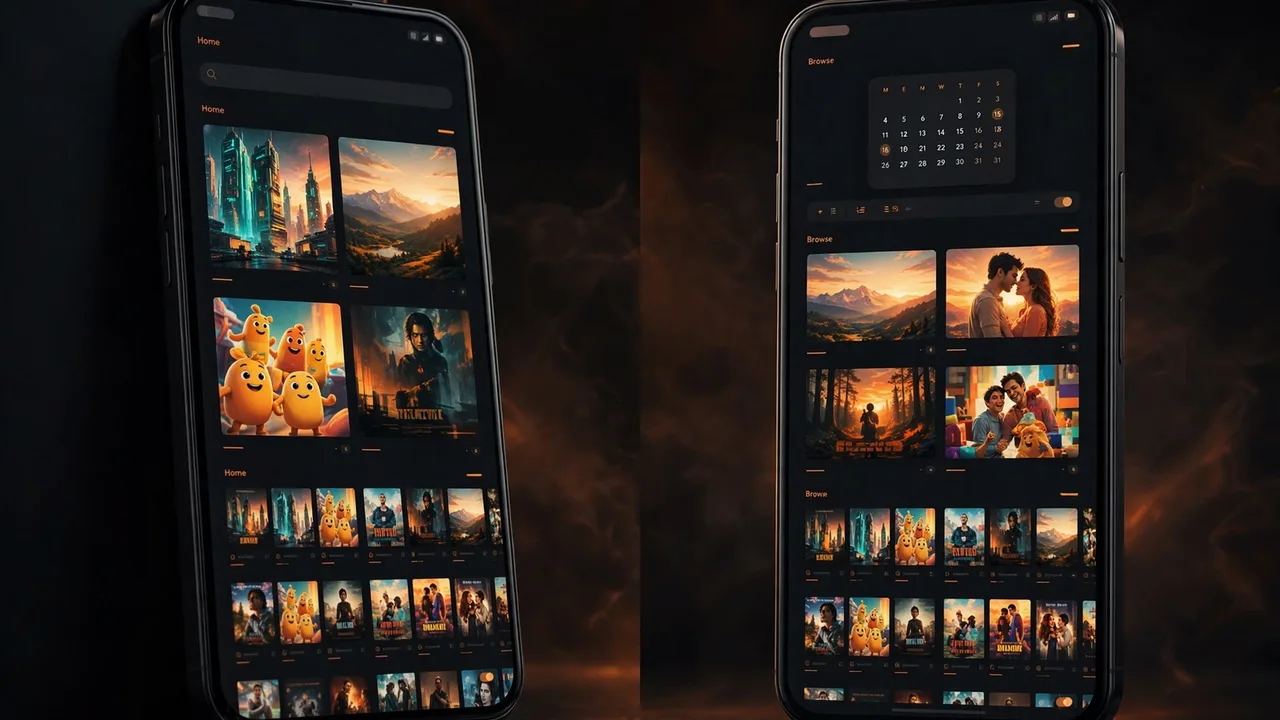
This is where TeaTV fights back. TeaTV’s home screen is clean and minimal: categories, a search bar, posters — done. First-time users can find a movie within seconds. Cinema HD shows more information up front (ratings, trending rows, calendar, more filters), which power users like, but it can feel busier for beginners.
Winner: TeaTV — for simplicity. Cinema HD — for users who want more control.
Streaming Quality & Playback
Both apps stream in SD to Full HD, with some titles offering 4K sources, and both let you pick a quality tier so you can save data on mobile. In practice, playback quality depends less on the app and more on the specific link source and your internet speed — so on any given day, either app can win. Both support switching to an external player (MX Player or VLC), which improves playback control and subtitle handling. If streaming ever stalls, our buffering fix guide covers the settings that actually help, no matter which app you use.
Winner: Tie — quality is source-dependent in both apps.
Offline Downloads
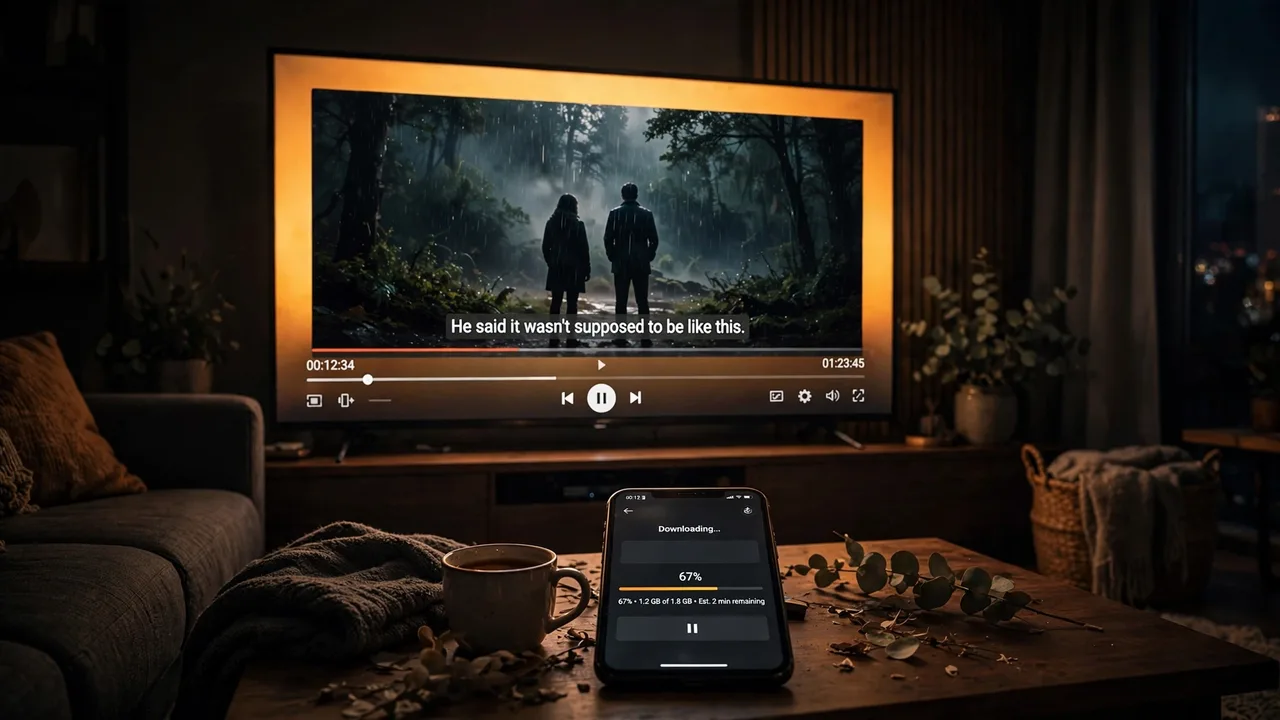
Both apps let you save movies and episodes to your device for offline watching — useful on flights, commutes or slow connections. TeaTV has a dedicated Downloads section inside the app; Cinema HD’s download support is also widely reported across streaming blogs (some older comparison tables claim otherwise, but multiple recent sources confirm it works).
Winner: Tie.
Subtitles & Language Support
Both apps offer subtitle support across multiple languages. TeaTV’s multilingual subtitle options (English plus many others) get frequent praise from users who watch dubbed or foreign-language content. Cinema HD also supports subtitles and gives you more granular control over how they display, especially when paired with an external player like MX Player. If subtitles refuse to cooperate, see our guide on fixing TeaTV subtitles — the same troubleshooting logic applies to Cinema HD.
Winner: TeaTV — for out-of-the-box multilingual subtitle support.
Real-Debrid & Trakt Support
This one matters if you use premium link services. Both TeaTV and Cinema HD integrate with Real-Debrid (faster, more reliable premium links) and Trakt (sync your watch history and lists). Neither app has an edge here — they both treat Real-Debrid as the premium tier of link quality. If you already pay for Real-Debrid, it works in both; our Real-Debrid with TeaTV setup guide walks through the full configuration.
Winner: Tie.
Ads & Cost
Both apps are completely free with no subscription and no account. The standard builds of both show some ads; the “mod” builds of both remove them. This is symmetric — ads should not decide your choice. What should: note that any third-party “mod” download carries extra risk, so treat ad-free promises from random download sites with suspicion.
Winner: Tie.
Device Support & Installation
Both apps target the same devices: Android phones and tablets, Amazon Firestick/Fire TV, Android TV boxes, and Windows PC via an Android emulator like BlueStacks. Both are sideloaded the same way (enable unknown sources, install the APK). Neither exists on the Google Play Store. The only official Play Store link in this space is TeaTV’s official TV-series companion listing — check the official listing here — everything else is third-party. For step-by-step install instructions, see our TeaTV download guide and our Firestick setup page; the same sideloading steps work for Cinema HD.
Winner: Tie.
Updates & Reliability
TeaTV updates arrive fairly regularly, and the app’s smaller feature set means fewer things break. Cinema HD’s library refreshes very frequently, but app builds come from unofficial channels and update cadence can be inconsistent — some versions are rock solid, others are buggy until the next build. Reliability varies by build in both apps, so keep whatever build works on your device and don’t rush to update mid-season.
Winner: TeaTV — slightly, for more consistent app updates. Cinema HD — for faster content-library refreshes.
TeaTV vs Cinema HD: Pros and Cons
TeaTV — Pros
- Very simple, beginner-friendly interface
- Small, fast, lightweight app
- Strong multilingual subtitle support
- Offline downloads built in
- Real-Debrid, Trakt and external-player support
- No account or subscription
TeaTV — Cons
- Not on the Google Play Store (sideload only)
- Content licensing is unverified — use responsibly
- No official customer support channel
- Library smaller than Cinema HD’s by most accounts
Cinema HD — Pros
- One of the largest third-party streaming libraries, refreshed frequently
- External player support (MX Player, VLC)
- Built-in TV calendar for upcoming episodes
- Real-Debrid and Trakt integration
- Free, no account needed
Cinema HD — Cons
- Also sideload-only; not on official app stores
- Busier interface can overwhelm beginners
- Build quality varies between unofficial versions
- Standard version includes ads (like TeaTV)
Safety & Legality: What You Must Know
Neither TeaTV nor Cinema HD is safer or more legal than the other by default — both are sideloaded link-aggregator apps, both are absent from the Play Store, and neither verifies content licenses. Your risk is mostly determined by where you download the APK and how you use the app, not by the logo.
Keep these rules for both apps:
- Download from the most reputable source you can find, and scan every APK with an antivirus before installing (VirusTotal is a free, trustworthy way to do it).
- Never enter personal, payment or login details inside either app — they don’t need them.
- Review app permissions after install; a streaming app has no business reading your contacts or SMS.
- Consider a VPN for privacy, since both apps stream from third-party sources.
- Check your local copyright laws — streaming unlicensed content can be illegal depending on your country. Our guides on whether TeaTV is safe and whether TeaTV is legal explain the risk landscape in detail, and the same reasoning applies to Cinema HD.
Which One Should You Pick?
Choose TeaTV if you: want the simplest possible experience, care about multilingual subtitles, watch mostly on a phone, or are setting up streaming for someone non-technical.
Choose Cinema HD if you: want the biggest catalog, like browsing ratings/trending rows, use a TV calendar to track episodes, or prefer more detailed controls.
Or install both. Many experienced users keep TeaTV as the daily driver and Cinema HD as the backup for titles they can’t find elsewhere — the two coexist fine on the same device. Whichever you pick, the TeaTV mod APK download page on this site explains the mod-version trade-offs honestly before you install anything.
Frequently Asked Questions (FAQs)
Which is better: TeaTV or Cinema HD?
Neither wins outright. TeaTV is simpler and easier to use with strong subtitle support, while Cinema HD usually has a larger, more frequently updated content library. Pick TeaTV for simplicity, Cinema HD for catalog depth — or use both.
Is TeaTV safer than Cinema HD?
No — both are sideloaded third-party streaming apps with unverified content sources. Safety depends on where you download the APK and how you use the app. Scan every APK with antivirus, never enter personal details, and check our safety guide before installing.
Can I install TeaTV and Cinema HD on the same device?
Yes. Both apps coexist without issues on the same Android phone or Firestick. Many users keep TeaTV as their main app and Cinema HD as a backup for harder-to-find titles.
Do TeaTV and Cinema HD work on Firestick?
Yes, both work on Amazon Firestick and Fire TV through sideloading (the Downloader app method). Neither is available in the Amazon Appstore. Enable Apps from Unknown Sources and install each APK the same way.
Is it legal to stream on TeaTV or Cinema HD?
Both apps aggregate links to third-party sources and do not verify content licenses, which makes their legal status murky in most countries. Streaming copyrighted content without a license may be illegal where you live — check your local laws and consider fully licensed alternatives.
Which app works better with Real-Debrid?
Both apps support Real-Debrid equally well — premium links, faster streams, less buffering. If you already have Real-Debrid, use it in whichever app you prefer; the setup steps are nearly identical.
By Priya Sharma, Senior Content Writer • Reviewed by David Chen, Technical Researcher
About the author: Priya Sharma is a Senior Content Writer covering streaming apps and Android entertainment at teatv-apk.net.
Reviewed by: David Chen, Technical Researcher, fact-checked this comparison for accuracy on October 21, 2026.
