
What Is TeaTV? The Streaming App Explained

Table of Content
TeaTV is a free, third-party streaming app for Android that lets you watch movies and TV shows without a subscription or an account. It does not host any video itself. Instead, it searches the web for streaming links, organizes them by title and quality, and plays them inside one clean interface. It is not listed on the Google Play Store or Apple’s App Store, so Android users install it by sideloading the APK file, and Firestick owners install it with the Downloader app. This guide explains exactly what TeaTV is, how it works, which devices it supports, and what you should know about safety and legality before you try it.
What Is TeaTV?
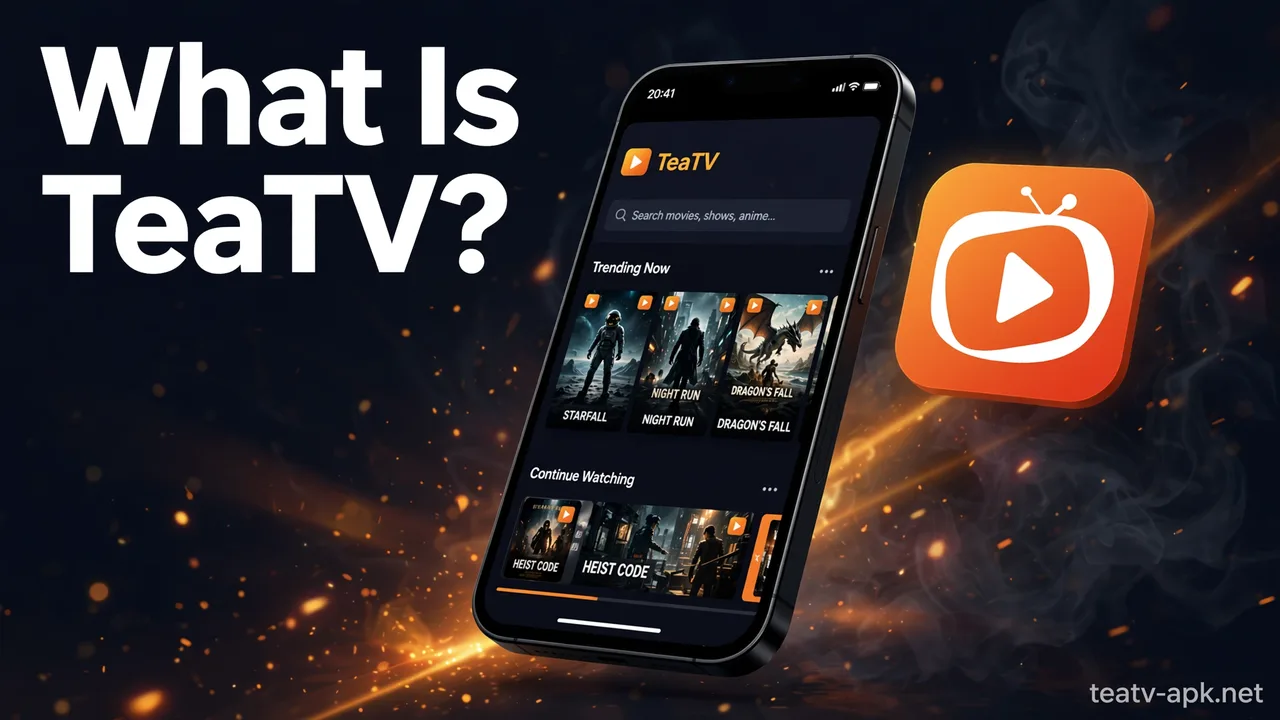
TeaTV is an Android entertainment app built for people who want a simple way to find and watch movies and TV shows for free. Open the app and you get a familiar streaming layout: trending titles, genres, a search bar, and a calendar of upcoming episodes. Pick something, choose a streaming link, and playback starts.
A few things set it apart from mainstream apps like Netflix or Prime Video:
- It is completely free. There is no subscription, no trial period, and no paywall.
- No account is required. You never hand over an email address or personal details.
- It is a third-party app. TeaTV is not published on the Google Play Store or Apple’s App Store. You install it manually, which is called sideloading.
- It hosts no content. The app is a search-and-play front end — the actual video streams come from sources elsewhere on the internet.
Because of that last point, TeaTV is best understood as an aggregator, not a streaming service. Netflix licenses and hosts its catalog; TeaTV finds links to content that lives somewhere else and wraps them in a convenient player.
How Does TeaTV Work?
When you search for a movie or episode inside TeaTV, the app queries multiple online sources and returns a list of playable links for that title, usually labeled by quality (360p, 720p, 1080p, and sometimes 4K). You tap a link, and the video plays — either in TeaTV’s built-in player or in an external player such as VLC or MX Player if you prefer one.
A few practical details worth knowing:
- Multiple links per title. If one link is slow or broken, you can switch to another without leaving the app.
- The app is lightweight. Recent builds are only around 13–14 MB and run on Android 5.0 and newer, so it works fine even on older phones and TV boxes.
- Library updates are frequent. New movies and episodes are added regularly, and the app includes a TV calendar that tracks upcoming releases.
- Optional integrations. Power users can connect Real-Debrid for faster, higher-quality links and Trakt to sync watch history across devices. Our Real-Debrid with TeaTV setup guide walks through that process.
TeaTV Key Features
Here is what the app actually offers, based on its standard feature set:
- Free movies and TV shows — a large, regularly updated catalog with no subscription.
- HD and 4K playback — quality options up to 1080p on most titles, with 4K on select links.
- Offline downloads — save titles to watch later without an internet connection.
- Subtitles in multiple languages — including English, Hindi, Arabic, Spanish, and Portuguese.
- External player support — hand playback to VLC or MX Player if you like their controls.
- Chromecast support — cast what you are watching to a bigger screen.
- No sign-up — install it and start watching; there is no account system at all.
- TV calendar — see which episodes and movies are coming up.
TeaTV App Details
| Detail | Info |
|---|---|
| App name | TeaTV |
| Category | Entertainment |
| Price | Free (no subscription, no account) |
| Platforms | Android phones/tablets, Amazon Firestick / Fire TV, Android TV, PC & Mac (via emulator) |
| Install method | Sideloaded APK — not on the Google Play Store or Apple App Store |
| Minimum Android version | Android 5.0 and above |
| App size | Around 13–14 MB |
| Streaming quality | 360p to 1080p, select titles in 4K |
| Subtitles | Multiple languages |
| External players | VLC and MX Player supported |
| Integrations | Real-Debrid, Trakt, Chromecast |
| Offline viewing | Yes |
Which Devices Support TeaTV?
TeaTV was built for Android, but with a little setup it runs on most screens in the house.
Android phones and tablets
This is TeaTV’s home turf. You download the APK file, allow your browser or file manager to install apps from unknown sources when prompted, and install it like any other app. Because the file is small, it runs well even on budget devices.
Amazon Firestick and Fire TV
TeaTV is one of the most popular Firestick streaming apps because its interface works smoothly with a TV remote. Installation goes through the Downloader app from the Amazon Appstore: you fetch the APK, install it, and launch it from your apps list. Our TeaTV for Firestick guide covers the full setup step by step.
Android TV and TV boxes
On Android TV boxes and smart TVs running Android, the APK installs directly through the built-in browser or a file manager. The interface scales up nicely to large screens.
PC and Mac
There is no native desktop version of TeaTV. On Windows and Mac, you run the Android app inside an emulator such as BlueStacks or NoxPlayer, which creates a virtual Android environment on your computer. Our TeaTV for PC page has the emulator walkthrough.
iPhone and iPad
There is no official TeaTV app for iOS, and Apple does not allow the kind of sideloading Android does. Be skeptical of any site claiming to offer a “TeaTV iOS download” — those are not legitimate builds. We cover the honest workarounds in a separate guide.
Is TeaTV Safe and Legal?
This is the question that matters most, so here is the honest version.
Safety. The main risk is not the app’s feature set — it is where you get the APK. Because TeaTV is not on the Play Store, fake “official” websites and modified builds circulate online, and some bundle malware or spyware. A few common-sense rules: only download from a source you have a reason to trust, keep Google Play Protect enabled so Android scans sideloaded apps, and treat any site promising a “premium unlocked” or “ad-free” TeaTV build with suspicion — those are unofficial repacks. Note that this site does not host APK files; our guides are informational.
Legality. TeaTV hosts no video files, but many of the links it surfaces point to copyrighted content shared without permission, so the legality of using it depends on your country’s copyright laws and what you choose to watch. We are not lawyers and this is not legal advice — but you should know the app operates in a legal gray area in most countries, and paid streaming services are the only clearly licensed route to the same content. A VPN is commonly recommended by privacy-conscious users for any third-party streaming, though it does not change the legal picture.
TeaTV vs Paid Streaming Services
How does a free aggregator compare with services like Netflix, Prime Video, or Disney+?
| TeaTV | Paid services (Netflix, Prime, etc.) | |
|---|---|---|
| Price | Free | Monthly subscription |
| Account needed | No | Yes |
| Content licensing | Unlicensed links, aggregated | Licensed catalogs |
| Streaming quality | Up to 1080p / select 4K | Up to 4K HDR with stable servers |
| Reliability | Links can break or buffer | Consistent, dedicated servers |
| Device support | Android-focused, sideloaded | Official apps on every platform |
| Legality | Gray area in most countries | Fully licensed |
TeaTV wins on price and simplicity; paid services win on reliability, quality, and legal certainty. Many users treat TeaTV as a supplement for titles that are hard to find elsewhere rather than a full replacement.
Pros and Cons of TeaTV
Pros
- Completely free with no account or subscription
- Large, frequently updated library of movies and shows
- Lightweight app that runs on old devices
- HD quality, subtitles, offline downloads, and external player support
- Works on phones, Firestick, Android TV, and (via emulator) PC
Cons
- Not on official app stores — manual installation required
- No iOS app exists
- Legality is a gray area in most countries
- Links can break, buffer, or vary in quality
- Risk of fake or malicious APK copies from untrusted sites
- No customer support if something goes wrong
If you run into playback problems, our TeaTV troubleshooting guide covers the most common fixes.
Frequently Asked Questions (FAQs)
Is TeaTV really free?
Yes. TeaTV is completely free to download and use. There is no subscription, no trial, and no account required. Be wary of any site asking you to pay for a “premium” TeaTV — that is not an official product.
Is TeaTV on the Google Play Store?
No. TeaTV is not listed on the Google Play Store or Apple’s App Store. Android users install it by downloading the APK and sideloading it; Firestick users install it with the Downloader app.
Is TeaTV safe to use?
The app’s main risk comes from unofficial APK sources, which can bundle malware. Download only from sources you trust, keep Google Play Protect enabled, and avoid “mod” or “premium unlocked” repacks. See the safety section above for the full picture.
Is TeaTV legal?
TeaTV itself hosts no content, but much of what it links to is copyrighted material, so its legality depends on your country’s laws and what you watch. It operates in a legal gray area in most countries. This is general information, not legal advice.
Which devices work with TeaTV?
Android phones and tablets, Amazon Firestick and Fire TV, Android TV boxes, and Windows/Mac via an Android emulator. There is no official iOS app.
Do I need an account to use TeaTV?
No. TeaTV has no sign-up and no account system. You install it and start watching.
Can I download movies on TeaTV?
Yes, the app supports offline downloads so you can save titles and watch them later without an internet connection.
By Priya Sharma, Senior Content Writer • Reviewed by David Chen, Technical Researcher
About the author: Priya Sharma is a Senior Content Writer at teatv-apk.net, covering streaming apps, Android guides, and download safety for readers in the USA, India, and the UK.
Reviewed by: David Chen, Technical Researcher at teatv-apk.net, who verifies the technical accuracy of our app guides and install walkthroughs.
