
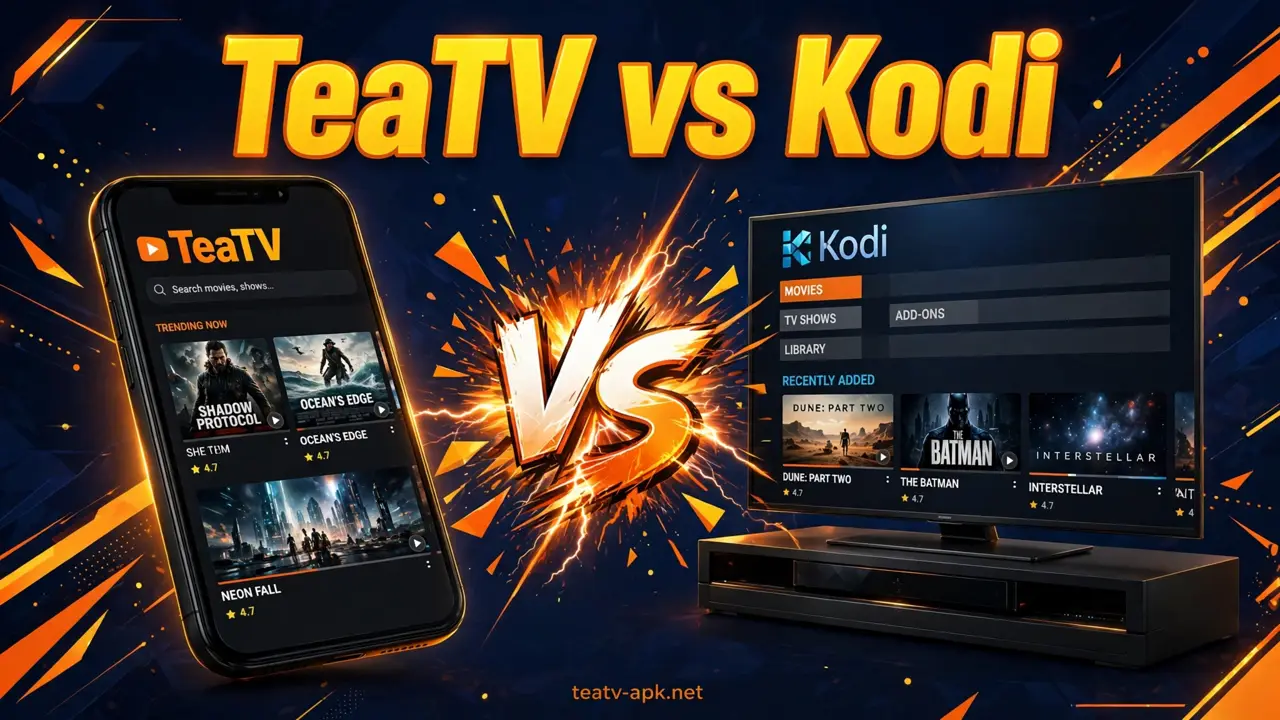
TeaTV vs Kodi: Which Streaming Setup Is Better?

TeaTV vs Kodi is not a like-for-like choice, and that is exactly why the comparison confuses people. TeaTV is a single Android app that finds movie and TV links for you — install it and start watching within minutes. Kodi is a free, open-source media center: out of the box it plays your own files and organizes your library, and it only streams online content once you add add-ons and configure them. So the real question is not “which app is better” but “which kind of setup do you want”: an app that does the finding for you, or a platform you build exactly the way you like it. This guide compares them honestly on setup, legality, content, Firestick performance, Real-Debrid, and local media — and ends with a clear pick for each kind of viewer.
Table of Contents
TeaTV and Kodi Are Built for Different Jobs
TeaTV is an all-in-one streaming app for Android devices. You install one APK, open it, browse movies and TV shows, and pick from multiple streaming links for each title. It also supports subtitles, offline downloads, and Trakt sync for watch history. There is no official TeaTV app in the Google Play Store or any other app store — it is distributed as an APK only, which is why every TeaTV install is a sideload. See our What Is TeaTV guide and our TeaTV APK download guide. Kodi is an open-source media center developed by the Kodi Foundation. It is a legitimate, published application available from its official site (kodi.tv) and from official app stores, including the Google Play Store and the Microsoft Store. Out of the box, Kodi is a player and library manager: it organizes and plays video, music, and photos from your own collection, with a TV-friendly interface designed for a remote control. It ships with no movie or TV content of its own. Online streaming only enters the picture when you install add-ons — official add-ons from Kodi’s own repository, or third-party add-ons from elsewhere, which vary wildly in quality and legality. That single distinction drives almost every difference below: TeaTV gives you content immediately with little control; Kodi gives you total control but demands setup before it streams anything online.
TeaTV vs Kodi at a Glance
| What it is | All-in-one Android streaming app | Open-source media center platform |
| Content out of the box | Movies and TV shows with multiple links per title | None — plays your own files only until you add add-ons |
| Official app stores | No — APK sideload only | Yes — kodi.tv, Google Play Store, Microsoft Store |
| Setup time | Minutes: install APK, open, watch | Longer: install, then choose, install, and maintain add-ons |
| Local media library | No | Yes — video, music, photos, with artwork and library views |
| Live TV | Limited, via links | Via add-ons and PVR support (setup required) |
| Subtitles | Built in | Via add-on/service configuration |
| Offline downloads | Yes, built in | Only for your own files |
| Trakt sync | Built in | Via Trakt add-on |
| Real-Debrid | Supported in the app | Only through add-ons that support it |
| Cost | Free app | Free software |
| Ads | Present in the app | None in Kodi itself |
| Best for | Viewers who want to watch now | Viewers who want to build and control a media setup |
Setup: Minutes vs an Evening of Configuration
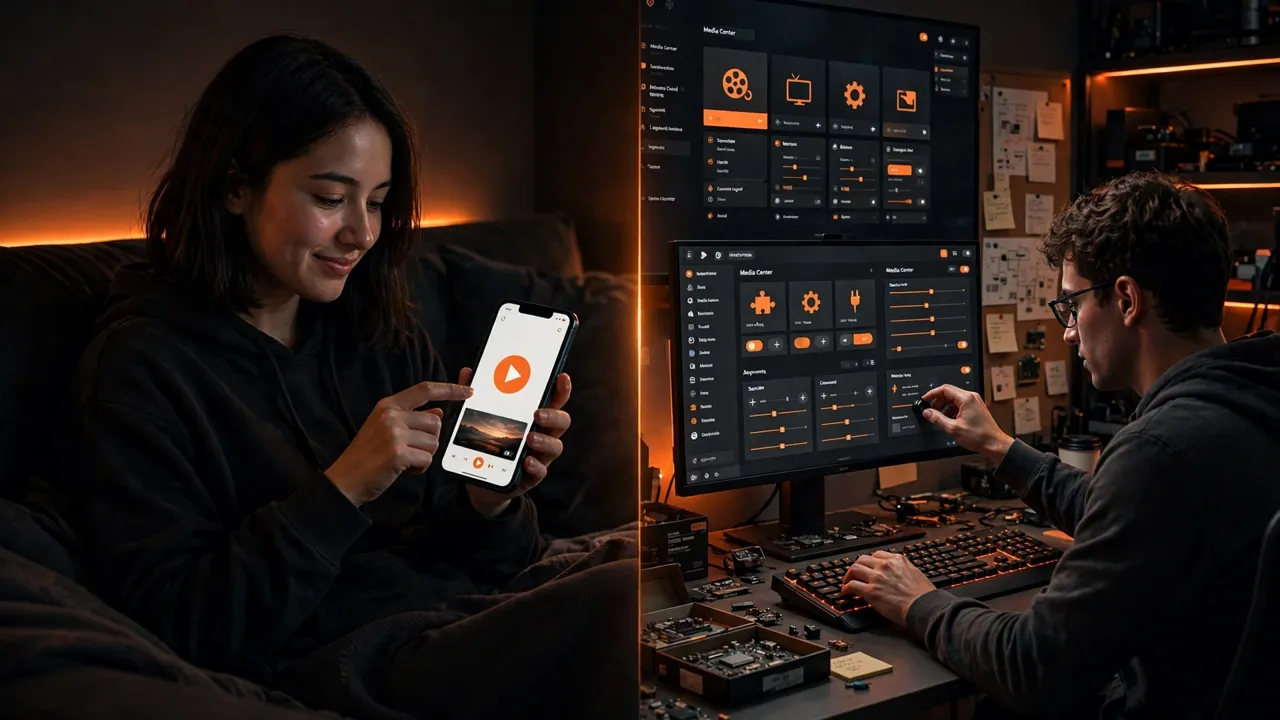
TeaTV setup
TeaTV setup is short: allow installation from unknown sources on your Android device, install the APK, open the app, and browse. There is no account to create and no add-on to choose. The trade-off for that speed is dependence: if a link source stops working, you wait for the app’s own updates, and you have little ability to fix it yourself. See TeaTV for Firestick and TeaTV for PC.
Kodi setup
Kodi setup has three stages. First, install Kodi itself — straightforward, since it is in official stores on most platforms. Second, decide what you want it to do and install the add-ons for it, each with its own settings, and possibly a skin to change the interface. Third, maintain it: add-ons break, get abandoned, or change, and fixing that is on you. None of this is difficult for someone who enjoys tinkering, but it is real work, and it is recurring work. Anyone promising “Kodi in two minutes, fully loaded” is describing a pre-built setup someone else made — which brings its own security and reliability risks, since you cannot see what was bundled into it.
TeaTV wins for speed and simplicity by a wide margin. Kodi wins for anyone who actually wants the configuration stage to be part of the hobby.
Legality: The Honest Contrast
Kodi itself is legal software. It is open source, published by a foundation, and distributed through official stores. Installing Kodi breaks no law. What decides the legality of a Kodi setup is what you play through it: official add-ons that stream licensed content are a different matter from third-party add-ons that stream unlicensed copies of movies and shows. The same Kodi install can be entirely legal or deeply infringing depending on the add-ons you choose — so “is Kodi legal” has no single answer without asking what is running on it. TeaTV sits on the other side of that line. It is an unofficial app, distributed outside app stores, whose library consists of links to content it does not license. Using it carries the risks our safety and legality guides describe in detail: exposure to malicious fake downloads, no official support, and content whose licensing status you cannot verify. See our Is TeaTV safe guide and our Is TeaTV legal guide.
Kodi the software is the safer legal starting point, and it stays safe as long as you stick to official add-ons and your own media. TeaTV’s risk is built into what the app is, not into how you configure it. This is general information, not legal advice.
Content and Library: Scraped Links vs Your Own Collection
TeaTV’s strength is immediacy: a browsable catalogue of movies and shows with several links per title, so if one link fails you try the next. Its weakness is that none of it is yours — no personal library, no music collection, no photo browsing, and no control over what stays available. Kodi’s strength is the opposite. It is genuinely excellent at organizing a personal collection: local movies and shows with posters, cast info, and watched status; music with album art; photos; even live TV recording through PVR support if you set it up. What it does not do, on its own, is hand you a catalogue of new releases. Every streaming source in Kodi is something you added and maintain. If your viewing is mostly “what is new this week,” TeaTV’s model fits better. If you have a hard drive of media you actually own, or you want one interface for movies, music, and photos, Kodi is in a different league — TeaTV simply does not compete there.
TeaTV vs Kodi on Firestick

Both apps are sideloaded on Firestick in practice: TeaTV because it is APK-only everywhere, and Kodi because Amazon does not list it in its own appstore even though it is official software elsewhere — you install Kodi’s Android APK via the Downloader route from kodi.tv. Neither install is hard, but they are not equal once running. Kodi is the heavier app: it uses more storage and memory, starts more slowly, and feels sluggish on older or low-end Firesticks unless you keep the setup lean. TeaTV is lighter and opens faster, which matters on a basic Fire TV Stick. On the other hand, Kodi’s interface is built for a remote from the ground up — big, navigable menus designed for lean-back TV viewing — while TeaTV’s interface was designed for touch first and adapted to TV, so remote navigation is serviceable rather than great.
On a basic or older Firestick, TeaTV is the lighter, faster option. On a Fire TV Stick 4K Max or a Shield-class device, Kodi’s weight stops mattering and its remote-first interface becomes the better TV experience — provided you did the setup work first.
Real-Debrid on Both: Not the Same Thing
Real-Debrid is a premium link service that improves link quality, and it works with both — but not in the same way. In TeaTV, Real-Debrid support is built into the app: authorize your account and higher-quality links appear. In Kodi, Real-Debrid only works through add-ons that support it, so you configure it per add-on rather than once for the whole app, and whether it helps depends on which add-ons you run. If Real-Debrid is central to your setup, TeaTV’s version is simpler; Kodi’s version is more powerful only if your chosen add-ons support it well. See our Real-Debrid with TeaTV guide.
Is There a TeaTV Kodi Add-on?
Short answer: no official one. Searching “teatv kodi addon” reflects a reasonable hope — run TeaTV’s catalogue inside Kodi’s nicer interface — but no TeaTV add-on exists in Kodi’s official repository, and TeaTV publishes no Kodi add-on of its own. What you will find instead are third-party repositories and builds that claim to offer TeaTV inside Kodi. Treat those with the same caution as any unofficial download: they are not published or vetted by either TeaTV or Kodi, they can disappear or be replaced with something malicious, and installing a random repository gives its author code execution inside your media center. The honest version of “TeaTV and Kodi together” is not an add-on — it is the next section: run both apps side by side and use each for what it does best.
Can You Use Both Together? Yes — and Many People Should
TeaTV and Kodi do not conflict. They are separate apps, they can both live on the same Firestick, Android TV box, or PC, and they cover different needs. A sensible combined setup is: Kodi as your home base for your own media library, music, and any official add-ons you use; TeaTV as the quick option when you want to browse new releases without configuring anything. Trakt can keep watch history in sync across both if you set it up in each — see our TeaTV Trakt setup guide. The only real cost of running both is storage and a little home-screen clutter, which is minor on any modern streaming device.
Which Should You Pick?
| Pick TeaTV if… | Pick Kodi if… |
|---|---|
| You want to watch something in the next five minutes | You enjoy setting up and customizing software |
| You mainly watch new movies and shows | You have a personal media collection to organize |
| You are on a low-end Firestick and want the lighter app | You want one interface for movies, music, and photos |
| You do not want to maintain add-ons | You want official-store software and full control over sources |
| You are comfortable with the risks in our safety guide | You want a setup that stays legal with official add-ons |
Pick TeaTV if speed and immediacy matter most and you accept its risks with eyes open. Pick Kodi if you want a real media center, you enjoy the setup, and you will stick to official add-ons and your own files. Pick both if you want each job done by the tool built for it — that is the setup most experienced streamers actually end up with.
Frequently Asked Questions (FAQs)
Is Kodi better than TeaTV?
Neither is better in general — they do different jobs. Kodi is a legal, open-source media center that plays your own files and streams through add-ons you choose and maintain. TeaTV is a single APK app that finds movie and TV links for you immediately, with no setup. Kodi wins on control, library features, and legal safety with official add-ons; TeaTV wins on speed and simplicity.
Kodi vs TeaTV — which is easier to use?
TeaTV is easier on day one: install the APK and start watching. Kodi is easier long-term only after you finish configuring it — its remote-friendly interface is excellent once set up, but the install, add-on, and maintenance stages take real effort.
TeaTV or Kodi for Firestick?
On a basic or older Firestick, TeaTV is lighter and faster. On a Fire TV Stick 4K Max or better, Kodi runs well and its remote-first interface shines — if you did the setup. Many Firestick owners run both: Kodi for their own media, TeaTV for quick browsing.
Is there a TeaTV Kodi add-on?
No official TeaTV add-on for Kodi exists, and none is published in Kodi’s official repository. Third-party repos claiming to offer TeaTV inside Kodi are unofficial and unverified — do not install them. Use TeaTV and Kodi as separate apps instead.
Is Kodi legal while TeaTV is not?
Kodi itself is legal, published software available in official app stores. Its legality in practice depends on the add-ons you use: official add-ons and your own media are fine; third-party add-ons streaming unlicensed content are not. TeaTV is an unofficial APK-only app whose content is unlicensed, which is why it carries the risks described in our safety and legality guides. This is general information, not legal advice.
Does Real-Debrid work with both TeaTV and Kodi?
Yes, but differently. In TeaTV, Real-Debrid support is built into the app. In Kodi, it works only through individual add-ons that support it, so you configure it per add-on. See our Real-Debrid with TeaTV guide for the TeaTV setup and troubleshooting.
Final Thoughts
TeaTV vs Kodi looks like a head-to-head, but it is really a choice between two philosophies: one app that does the finding for you, and one platform that lets you build exactly what you want. Listicles that rank one above the other without explaining that difference are not helping you decide. Decide based on how much setup you enjoy, whether you have a media library of your own, and how much risk you are willing to accept — and remember that running both, each for what it does best, is a perfectly good answer.
If this comparison helped, see our other head-to-head guides: TeaTV vs Cinema HD, TeaTV vs Stremio, and our Best TeaTV Alternatives roundup.
By Priya Sharma, Senior Content Writer • Reviewed by David Chen, Technical Researcher
About the author: Priya Sharma is a Senior Content Writer covering streaming apps and devices, with a focus on honest, practical setup guides. Reviewed by: David Chen, Technical Researcher, checked the Kodi and TeaTV setup details, platform availability, and add-on claims in this guide for accuracy.
